🚀 I started testing Siri merged with ChatGPT on my iPhone, and it's mind-blowing! 🤯 Here's how to set it up in a few simple steps:
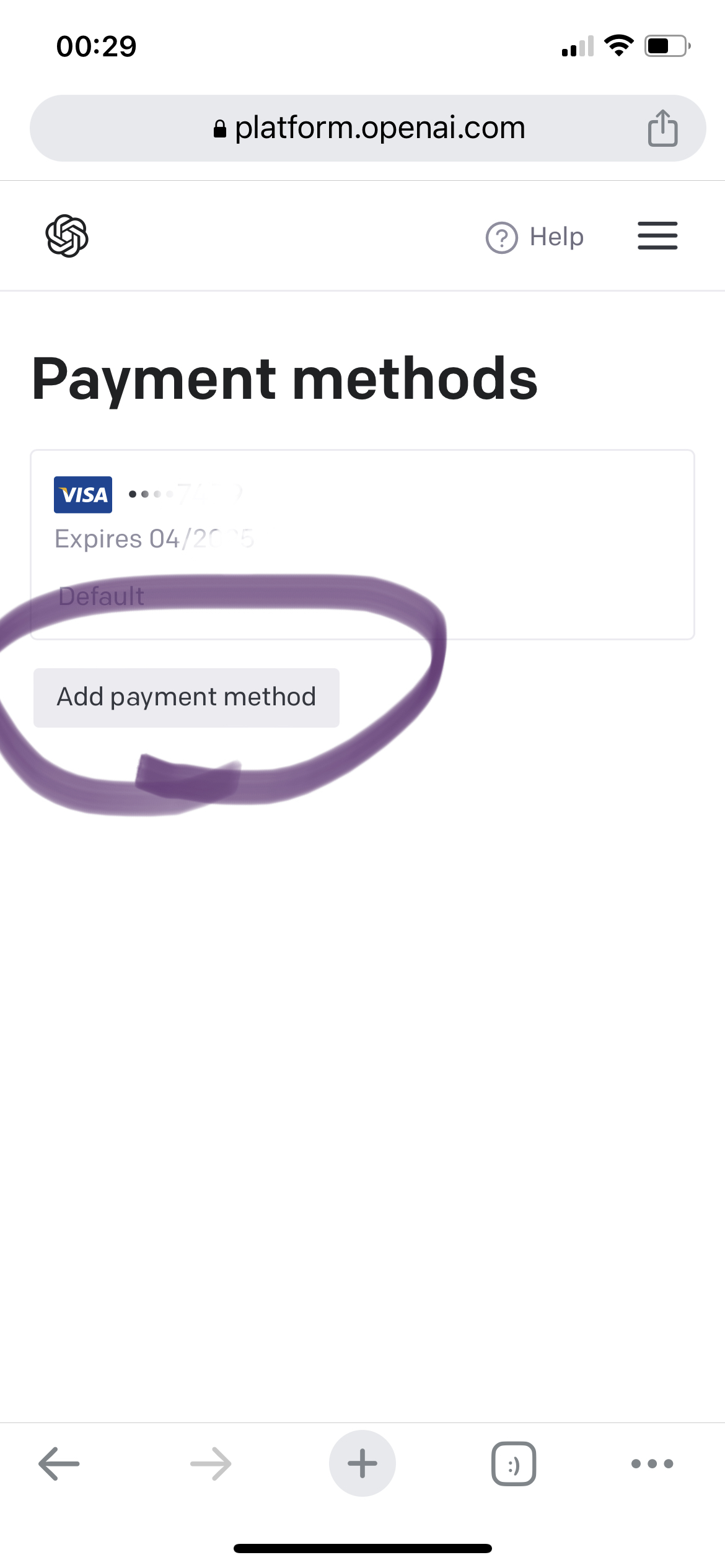
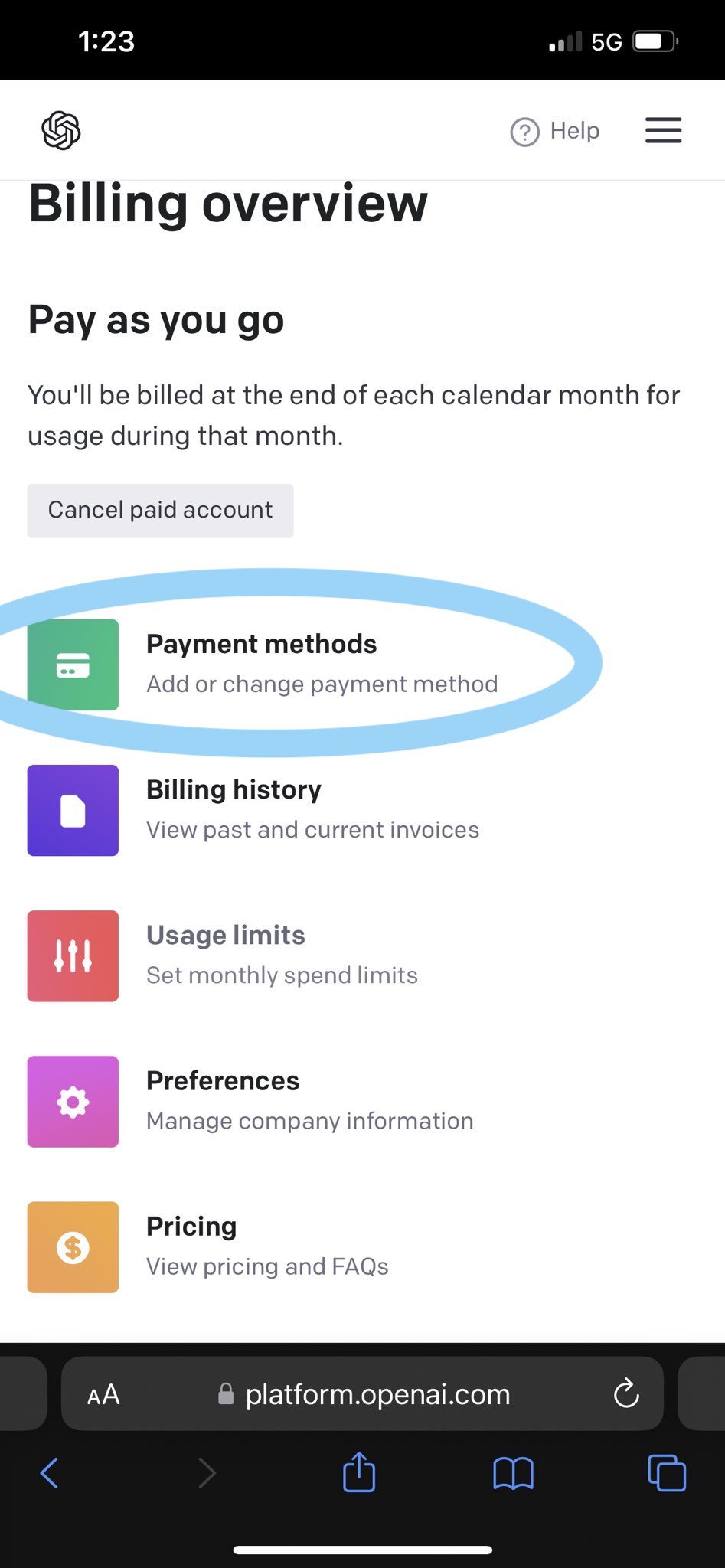
Step 1: Add the shortcut to your iOS Shortcuts by clicking here. You'll need your OpenAI API key for it to work, create it here. Set up your payment method by clicking here 🔑
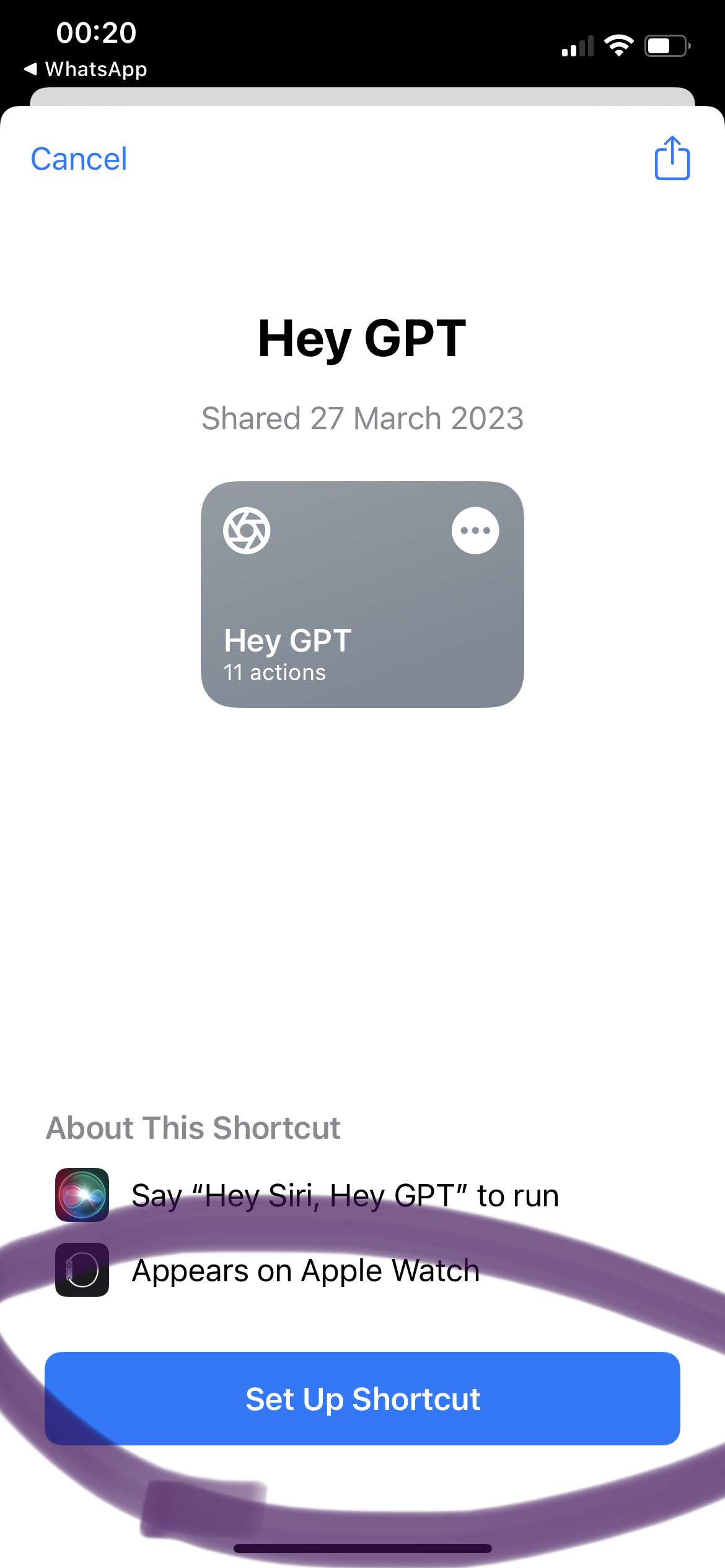
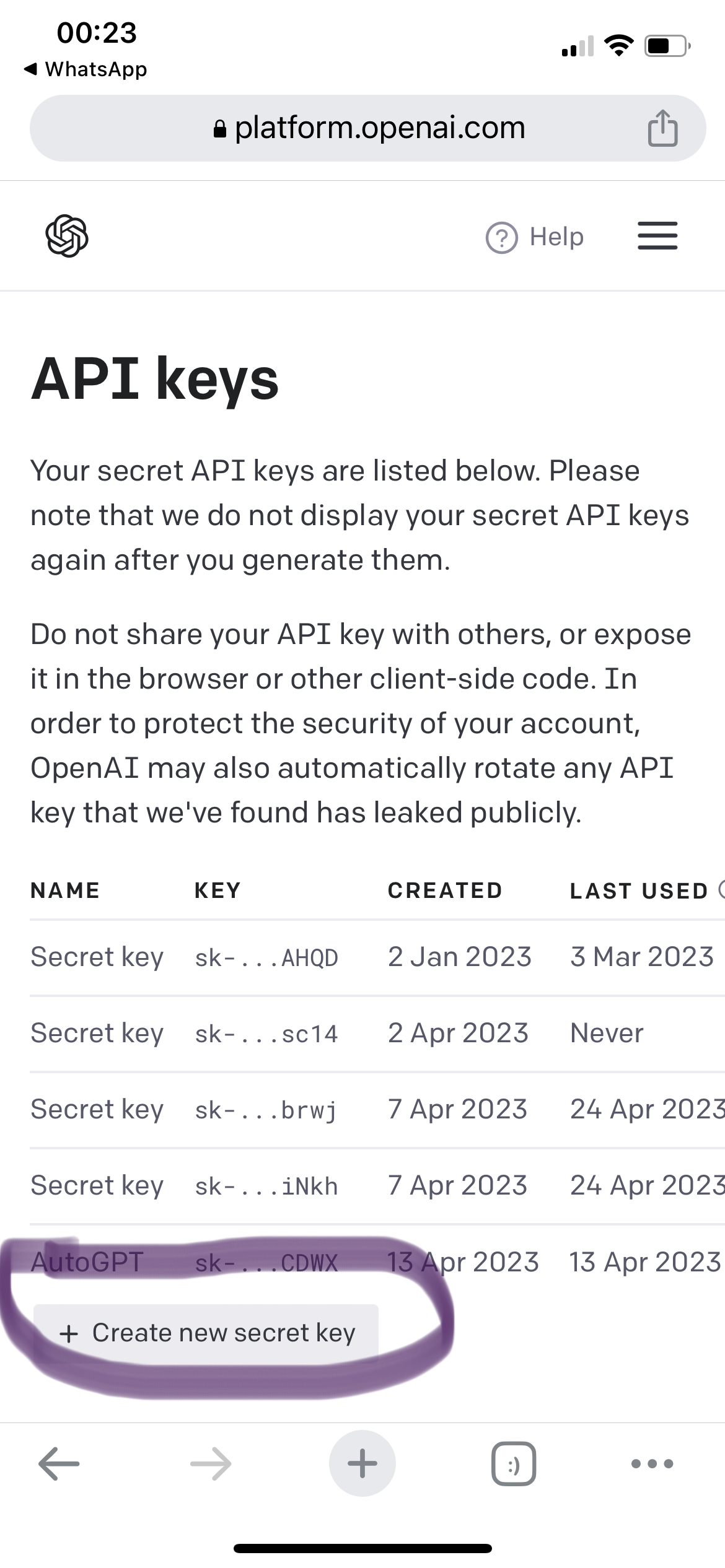
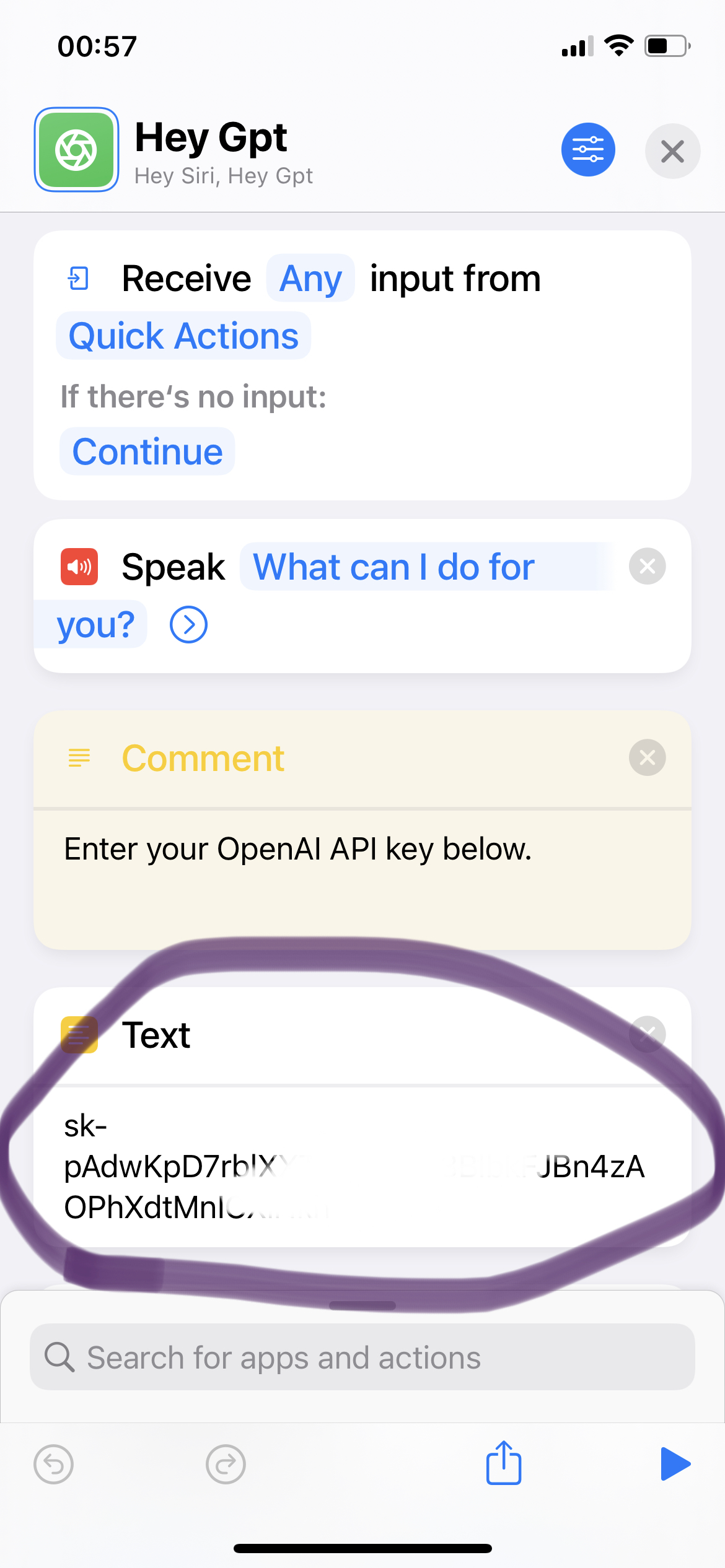
Step 2: Once the shortcut and API key are set up, start chatting with ChatGPT using your voice through Siri. Conversations flow easily (answers usually take 10 to 30 seconds) and you get useful responses in real time. 🗣️
Step 3: Every time you ask something, Siri shows you the text ChatGPT gives back. If you like it, you can copy and paste the answer anywhere. 📝
🎉 And that's it! Now you've got Siri and ChatGPT working together on your iPhone. See how this combo changes the way you use AI and makes your day-to-day easier. Share how it goes!
Summary:
- Install the shortcut click here
- Enter your OpenAI API key click here
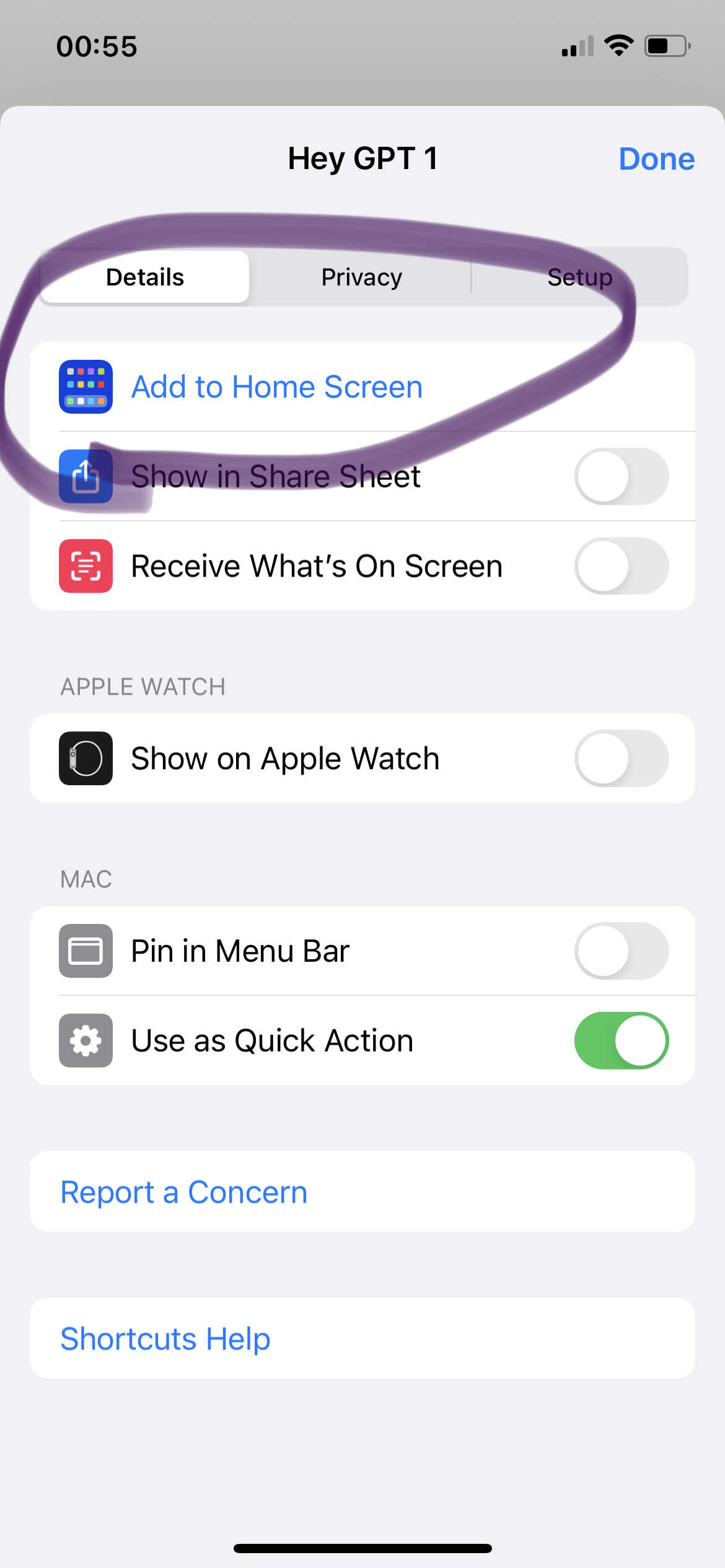
- Add the shortcut to your home screen
- Start using it
💡 FAQ:
Question: How much is this going to cost me?
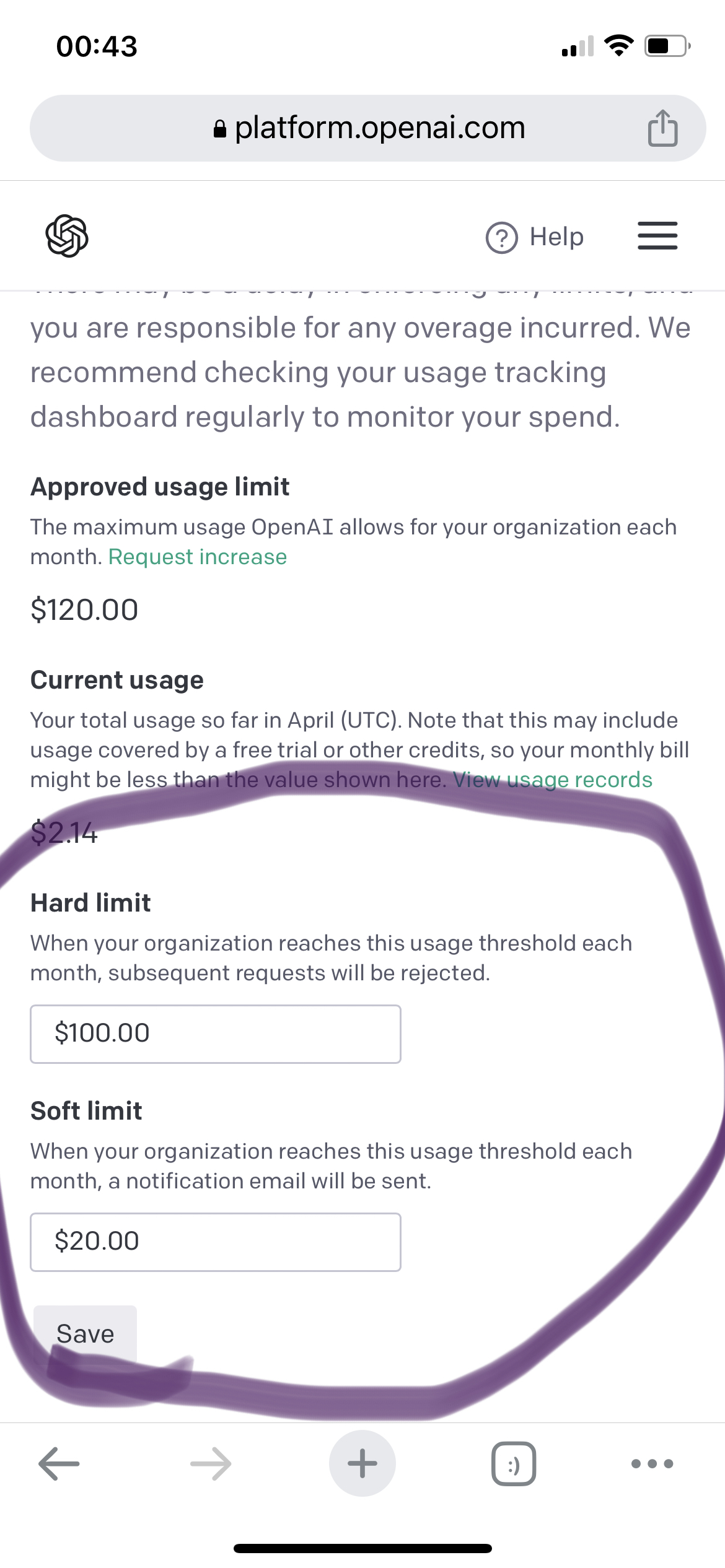
Pretty little, probably just a few cents depending on how much you use it. I've been using it every day since the start of the month and I've spent about 1 dollar. Keep in mind costs can vary with usage and your OpenAI account settings. Check pricing here. (This integration uses ChatGPT 3.5, and it doesn't matter whether you pay for Plus.)
If you get the error: “Could Not Evaluate The Key Path”
If you see that error, set up your payment method by clicking here and then try again.
Bottom line: merging Siri and ChatGPT is a super practical, efficient way to get fast, useful answers with your voice. Try this simple tutorial and see for yourself how this integration can change the way you use AI and make everyday life easier.